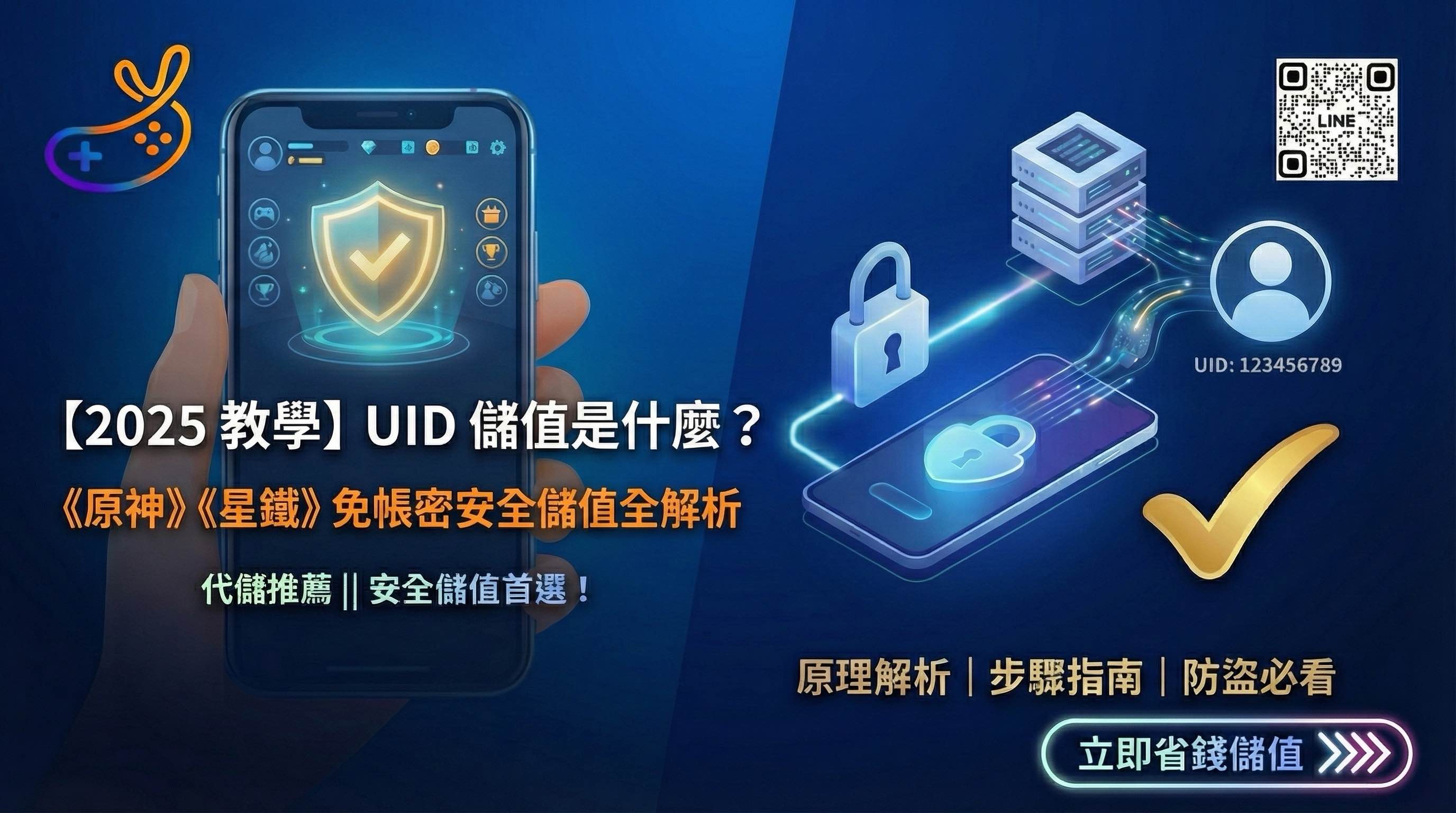
Worried that sharing your mobile game account credentials for a top-up could get your account stolen? This article explains how “UID top-ups” work and how safe they are. The official API integration requires only UID and server information to credit your account in seconds; you never need to provide a password, eliminating the risk of information leaks. It includes guides for popular games such as 《Genshin Impact》 and 《Honkai: Star Rail》, showing you how to find UID and top up Yodo games, so you can make purchases safely on your own!
[Players’ guide] UID top-up tutorial: a complete explanation of how it works, its benefits, and the steps—top up safely without needing help!
When topping up a mobile game, have you worried that providing your “account password” could expose your information?UID top-upis currently the most popular and safest top-up method in mobile gaming. This article explains how UID top-ups work and guides you through a quick Yodo game top-up step by step.
One. What is a UID top-up? (How it works and its security)
UID top-up It is a technology that uses the game’s unique “user ID” and “server information” to send points or virtual items directly to a specified account.
How it works
UID top-ups use the game’s officially available Third-party top-up interface (API)Platforms such as Top-Up and “Yodo game top-ups” work with official publishers or major distributors. You only need to enter this numeric ID, and the system can locate the account in its database and credit it.
Why is it safer?
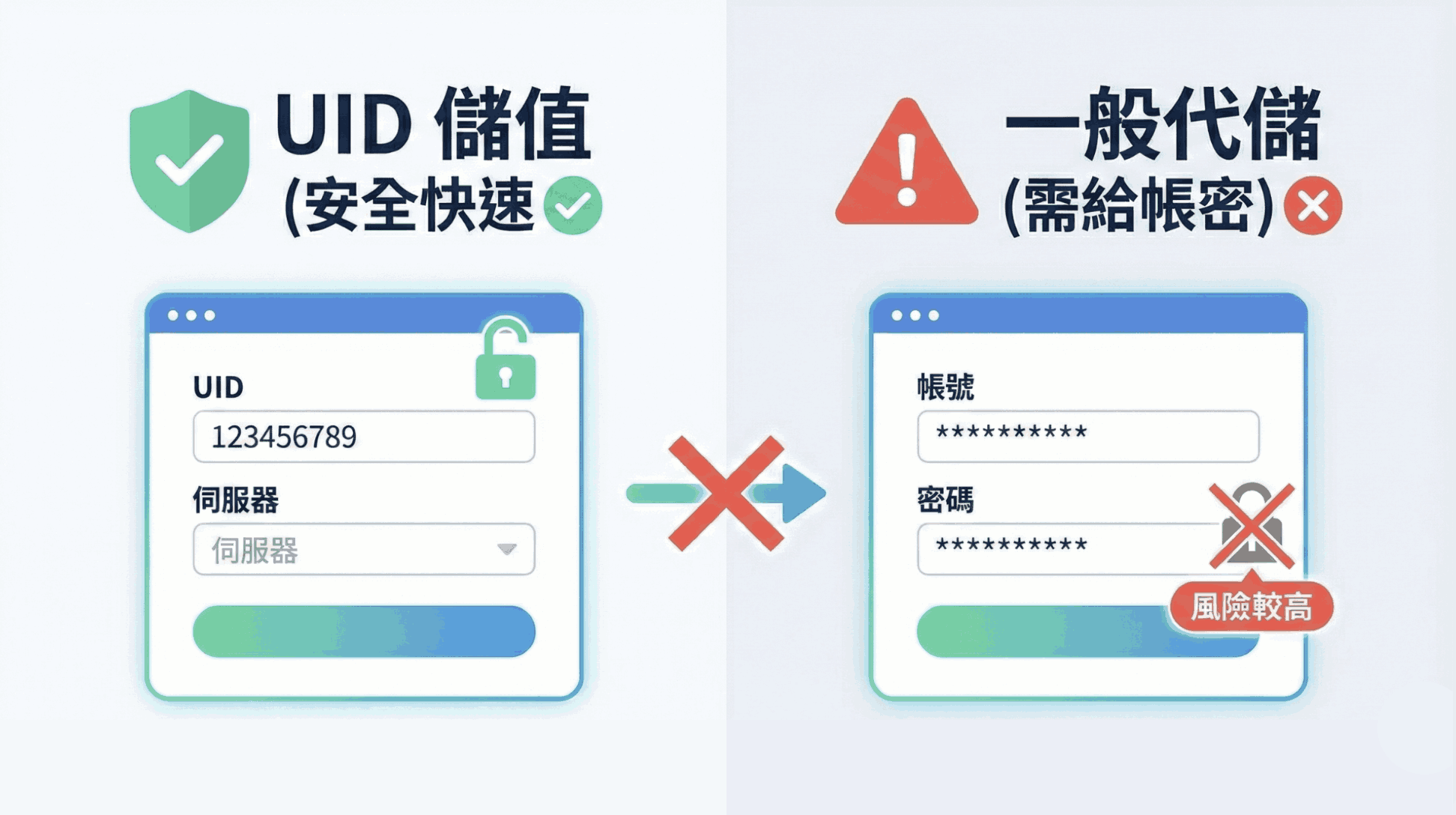
- No account credentials required: The top-up process never accesses your login password, completely eliminating the risk of account theft.
- One-way operation:UID only delivers the product and cannot change your account details, linked phone number, or character transfer.
II. The difference between UID top-ups and traditional “top-up services”
| Comparison item | UID top-up (Yodo recommended) | Traditional account-and-password top-up service |
| Provide the information | Only a UID and server are needed | Requires your login account and password |
| Security | Extremely high; no risk of account theft | Must accept the risk of password exposure |
| Processing time | Order anytime and get credited quickly | Requires waiting for a manual login and may forcibly log you out |
| Convenient option | Players can remain online and play throughout | You usually need to pause the game while the top-up is being processed |
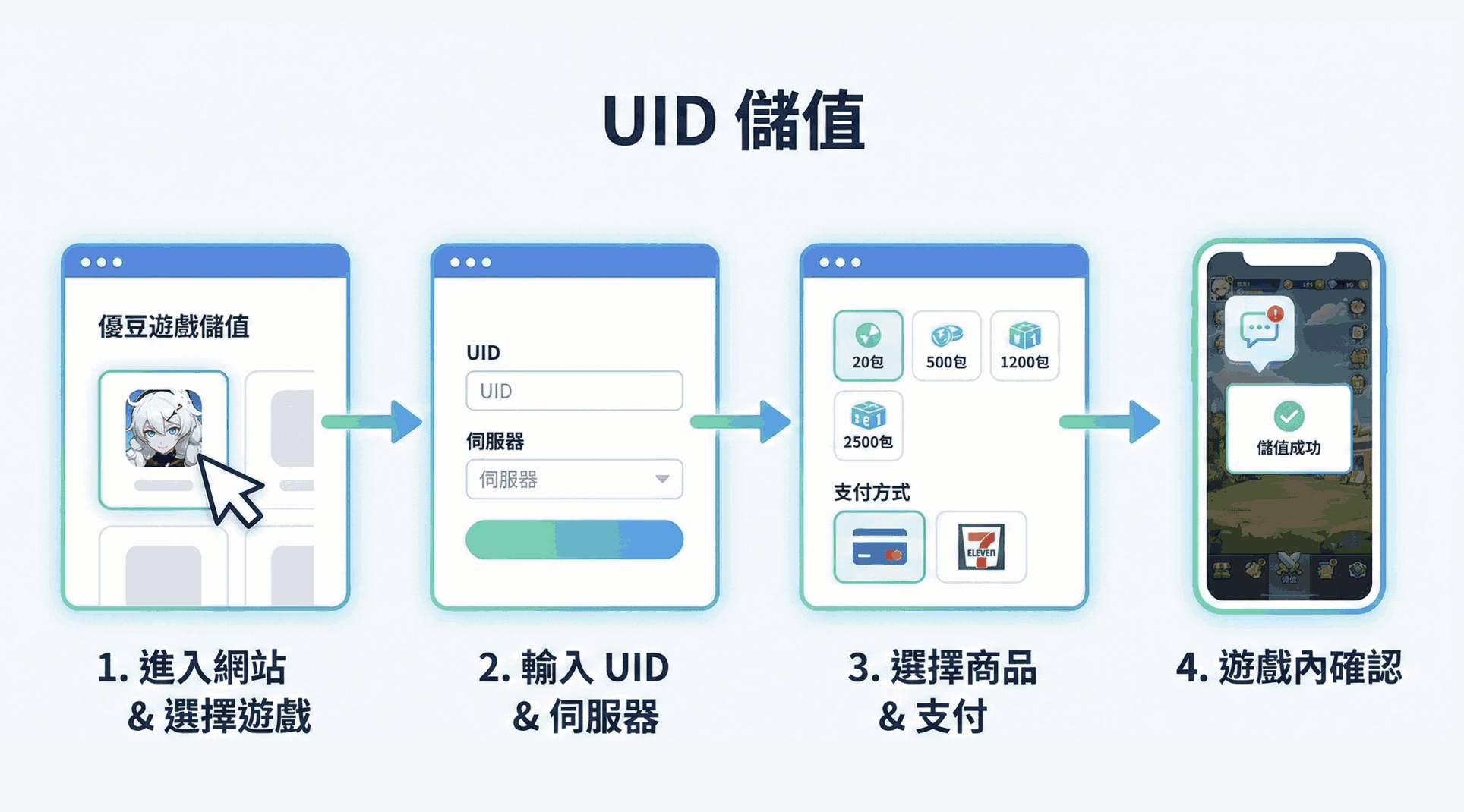
Three. Get started in five minutes: UID top-up step-by-step guide
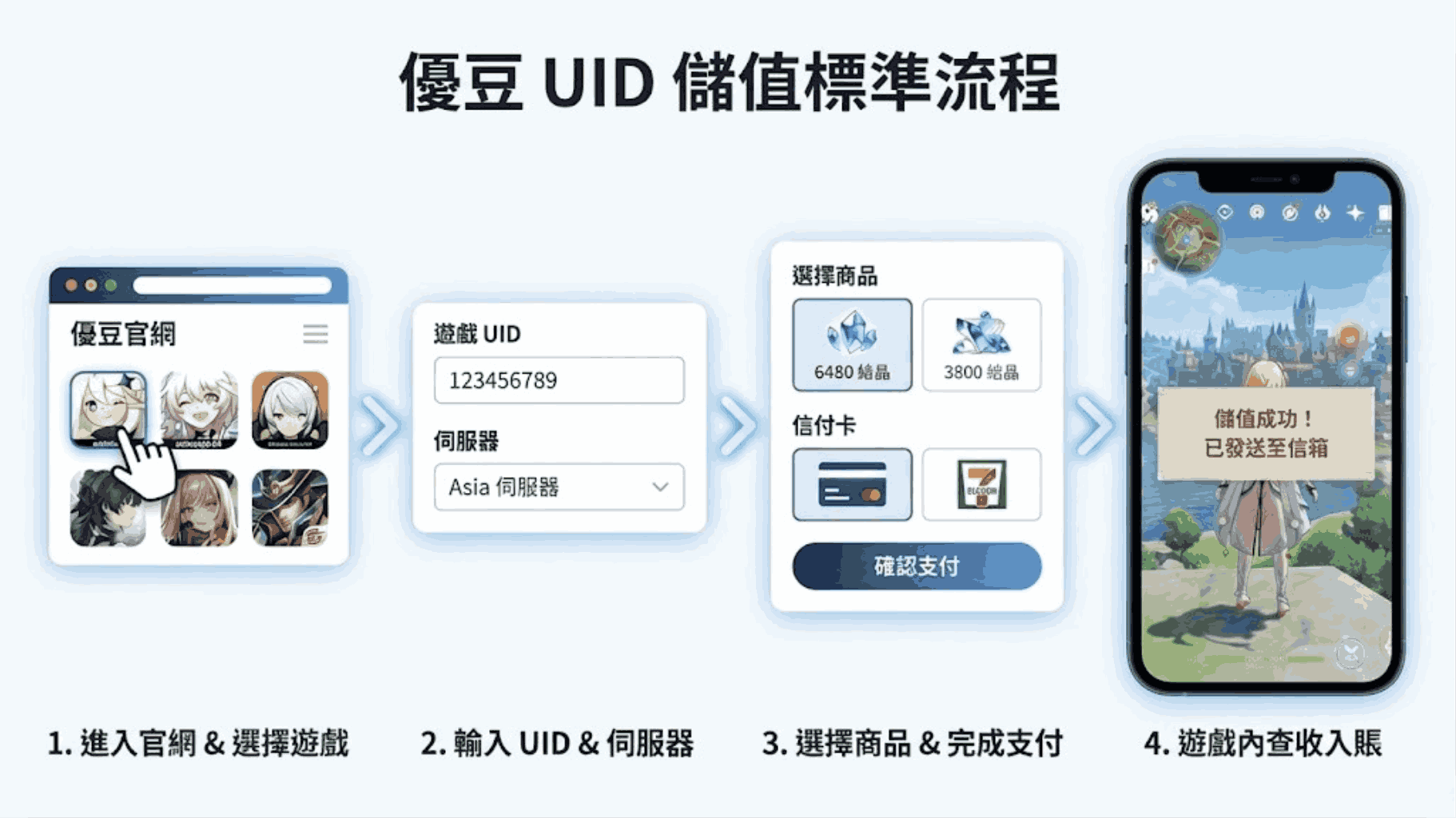
InYodo official websiteTopping up is straightforward. Follow these steps:
- Go to the Yodo official website: Go to [Yodo official website link].
- Choose a game: Find your game in the search box or directory (for example, “Genshin Impact,” “Honkai: Star Rail,” or “Identity V”).
- Enter the key information:
- Enter yourGame UID。
- Choose the correctServer(For example, Asia servers or Taiwan, Hong Kong, and Macao servers.)
- Choose a product: Select the points denomination, monthly card, or gift pack you want to buy.
- Secure payment: Choose the payment method that is convenient for you. Yodo offers several options, including credit cards, convenience-store payment codes, LINE Pay, and JKOPay.
- Confirm crediting: After payment is complete, you can usually find the item in the in-game mail or inventory within 1-5 minutes.
Here is a flowchart we prepared for your UID top-up, so you can see the process at a glance:
“The image above is for reference only. Check the current information in the game or on its official website.”
Four. Where can I find my UID?
Display locations differ between games, but they generally follow this logic:
- 《Genshin Impact》/《Honkai: Star Rail》: After logging into the game, UID stays visible on the screenBottom-right corner, or tap the Paimon menu / phone menu in the upper-left corner; a string of digits appears below your avatar.
- 《Identity V》:Open your profile. You can copy your UID beside or below your avatar.
- General method: Tap “Settings” or “Profile”; this unique digital ID is usually shown there.
Refer to the image below to quickly find your game UID:
“The image above is for reference only. Check the current information in the game or on its official website.”
Five. Yodo tips: Things to check before topping up
To protect your interests, check the following before ordering:
- Verify the information:Please carefully double-check that your UID and server are correct before ordering. Because UID top-ups are credited automatically by the system, an incorrect entry that sends the top-up to someone else’s account usually cannot be refunded.
- Server matching: The same UID may correspond to different characters on different servers (or return no results), so make sure to choose the correct region.
- Official promotions: Top-ups through Yodo can also qualify for in-game “first top-up bonuses” or limited-time events, subject to the game’s official rules.
Finally, let’s again emphasize the security advantages of UID top-ups; see the comparison below:
“The image above is for reference only. Check the current information in the game or on its official website.”
Conclusion
UID top-ups combineSpeedandPrivacythe best choice. Yodo game top-ups provide premium channels and service, so you can adventure without worries!
👉 [Go to Yodo game UID top-up now and enjoy instant crediting!]
Learn more:Top-Up Scam Protection Guide: Common Tactics, Risks, and a Self-Protection Checklist